
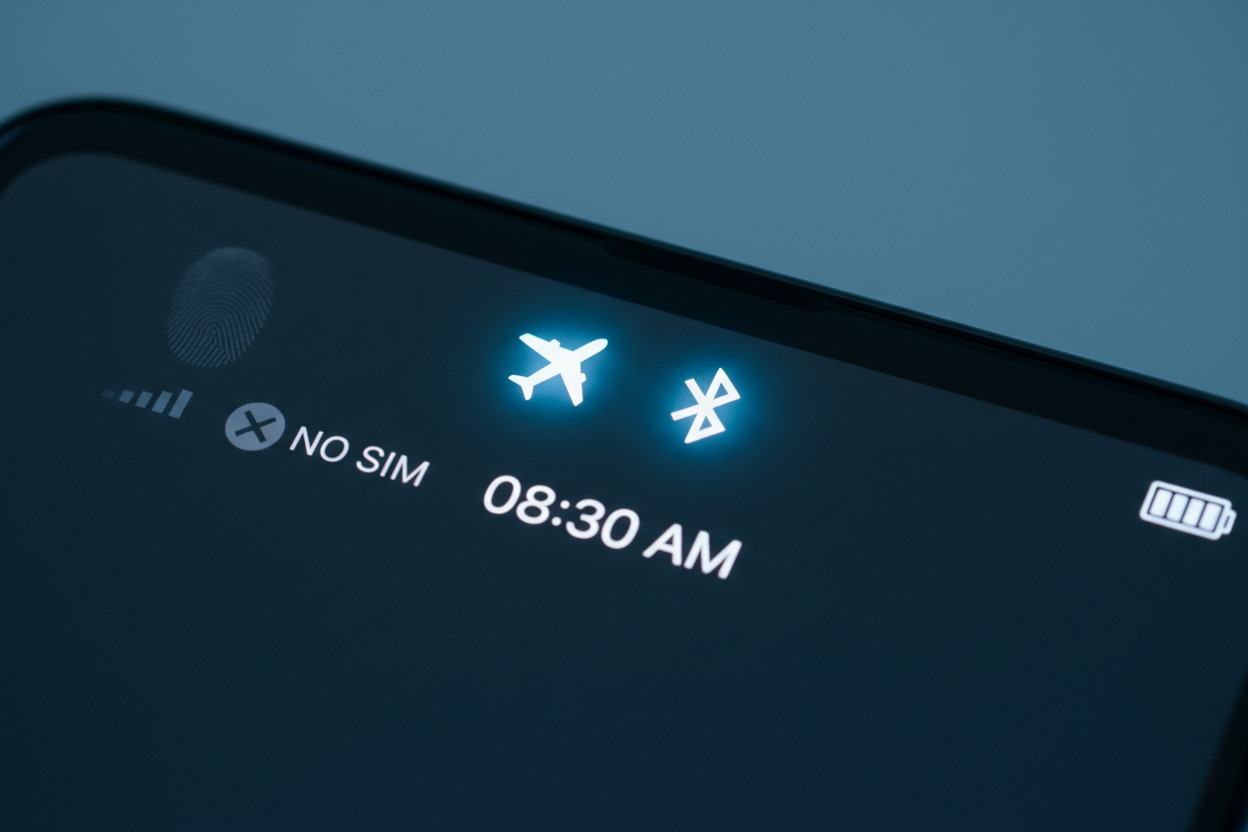

Yes, Bluetooth can work in Airplane Mode, but it is not automatic. Airplane Mode, by default, disables all wireless transmitting radios, including Bluetooth, to comply with aviation safety regulations. However, a critical feature in modern operating systems allows for selective radio re-enablement. This means that on virtually all contemporary smartphones, tablets, and laptops—from Apple (iOS/iPadOS), Google (Android), and Microsoft (Windows)—you can manually turn Bluetooth back on after activating Airplane Mode. This creates a compliant hybrid state where cellular and Wi-Fi transmissions remain disabled, but you can use short-range Bluetooth accessories like headphones, keyboards, or connect to in-flight entertainment systems.
This definitive guide will explore the technical, regulatory, and practical dimensions of this common traveler’s question, providing authoritative insights to optimize your in-flight experience while ensuring full compliance.
Table of Contents
- 1 Understanding the Core Entities: Airplane Mode and Bluetooth
- 2 The Technical Mechanism: Selective Radio Re-enablement
- 3 The Regulatory Framework: Safety, Policies, and Permissions
- 4 Addressing User Intent: Practical Scenarios and Applications
- 5 Technical Nuances, Limitations, and Considerations
- 6 Comprehensive FAQ: Targeting “People Also Ask” and Featured Snippets
- 6.1 Does turning Bluetooth back on in Airplane Mode turn cellular service back on?
- 6.2 Can flight attendants or pilots detect my Bluetooth usage?
- 6.3 Why is Bluetooth considered safe but cellular is not on a plane?
- 6.4 My Android phone won’t let me turn Bluetooth on in Airplane Mode. What should I do?
- 6.5 Do the same rules apply to laptops, tablets, and smartwatches?
- 6.6 Is using Bluetooth in Airplane Mode allowed during takeoff and landing?
- 7 Advanced Insights: E-A-T and Topical Authority
- 8 A Deliberate Feature for Modern Connectivity
Understanding the Core Entities: Airplane Mode and Bluetooth
To fully grasp the relationship, we must define the key technologies, their purposes, and the governing entities behind them.
What is Airplane Mode? A Regulatory Compliance Tool
Airplane Mode (also known as Flight Mode) is a software-controlled device setting mandated by global aviation authorities. Its primary function is to act as a single-touch mechanism to disable all radio frequency (RF) transmitters within a device that could theoretically interfere with an aircraft’s critical navigation and communication systems.
The Federal Aviation Administration (FAA) in the United States and the European Union Aviation Safety Agency (EASA) provide the framework, but individual airlines set the specific policies. When activated, Airplane Mode typically disables:
- Cellular Radios (4G LTE, 5G NR): The primary target due to their high-power signals that actively seek and connect to ground-based towers.
- Wi-Fi Radios: Used for internet access and local networking.
- Bluetooth Radios: Used for short-range peripheral connectivity.
- Note on GPS: Global Positioning System (GPS) functionality is often unaffected by Airplane Mode because GPS is a passive, receive-only technology. Your device listens to satellite signals but does not transmit back to them.
What is Bluetooth? A Short-Range Connectivity Standard
Bluetooth is a wireless technology standard governed by the Bluetooth Special Interest Group (SIG). It is designed for exchanging data over very short distances, typically up to 10 meters (33 feet), using low-power UHF radio waves in the 2.4 to 2.485 GHz Industrial, Scientific, and Medical (ISM) band.
Its core purpose is to create secure Personal Area Networks (PANs). Common entity relationships include:
- Audio Devices: Apple AirPods, Sony WH-1000XM5 headphones, Bose QuietComfort earbuds, and portable speakers.
- Input Devices: Wireless keyboards (e.g., Logitech MX Keys), mice, and digital styluses (e.g., Apple Pencil).
- Wearable Technology: Smartwatches like the Apple Watch Series and Samsung Galaxy Watch, and fitness trackers from Fitbit and Garmin.
- In-Flight Entertainment (IFE): Modern seatback systems on airlines like Delta, American Airlines, and United increasingly include Bluetooth transmitters for direct headphone pairing.
The Technical Mechanism: Selective Radio Re-enablement
The answer to “can you use bluetooth in airplane mode android?” and on other platforms lies in a now-standard OS feature. After Airplane Mode initiates a full radio shutdown, the user interface allows you to selectively re-activate non-cellular radios. This maintains the cellular disconnection required for compliance while restoring desired functionality.
Step-by-Step Guide by Operating System
| Operating System (Entity) | Primary Method | Key Interface Entity | Visual Indicator |
|---|---|---|---|
| iOS / iPadOS (Apple) | 1. Activate Airplane Mode via Control Center or Settings. 2. Tap the Bluetooth icon in Control Center or toggle it in Settings. | Control Center, Settings App | The airplane icon remains in the status bar. |
| Android (Google) | 1. Swipe down to open the Quick Settings panel. 2. Tap the Airplane Mode icon. 3. Tap the Bluetooth icon. (Note: Some OEM skins like Samsung One UI or Xiaomi MIUI may have minor layout differences). | Quick Settings Toggle | Airplane Mode icon remains active. |
| Windows (Microsoft) | 1. Open the Action Center (Win + A). 2. Click the Airplane Mode tile. 3. Re-open Action Center and click the Bluetooth tile. | Action Center, Network & Internet Settings | “Airplane mode is on” notification. |
| macOS (Apple) | 1. Click the Control Center icon in the menu bar. 2. Click the Airplane Mode toggle. 3. While in Airplane Mode, click the Bluetooth toggle to re-enable. | Menu Bar Control Center | Bluetooth status shows as “On” while Airplane Mode is active. |
This functionality directly satisfies user intent for using bluetooth on a plane without wifi to access offline content.
The Regulatory Framework: Safety, Policies, and Permissions
The technical capability exists within a multi-layered regulatory context. Understanding this hierarchy is crucial for compliant use.
- Aviation Authority Guidelines (The Foundation): The FAA and EASA no longer mandate full device power-down. Their regulations require that Personal Electronic Devices (PEDs) must either be in Airplane Mode or have their cellular transmitting functions disabled during all phases of flight. The use of short-range wireless like Bluetooth is explicitly permitted at the airline’s discretion once above 10,000 feet.
- Individual Airline Policies (The Enforcing Layer): This is the most important layer for passengers. Airlines publish their specific Portable Electronic Device (PED) policies. Delta Air Lines, for instance, explicitly states that Bluetooth accessories are permitted. Always check your carrier’s website or in-flight magazine for confirmation. Flight crew instructions always supersede general policy.
- Aircraft Certification & In-Flight Entertainment: The proliferation of Bluetooth-enabled IFE systems on next-generation aircraft like the Boeing 787 Dreamliner and Airbus A350 serves as a de facto endorsement of the technology’s safety. Airlines would not invest in this feature if regulatory bodies or their own safety departments had concerns.
Addressing User Intent: Practical Scenarios and Applications
To fully satisfy search intent, we must explore the real-world scenarios users envision when asking, “does bluetooth work in airplane mode?”
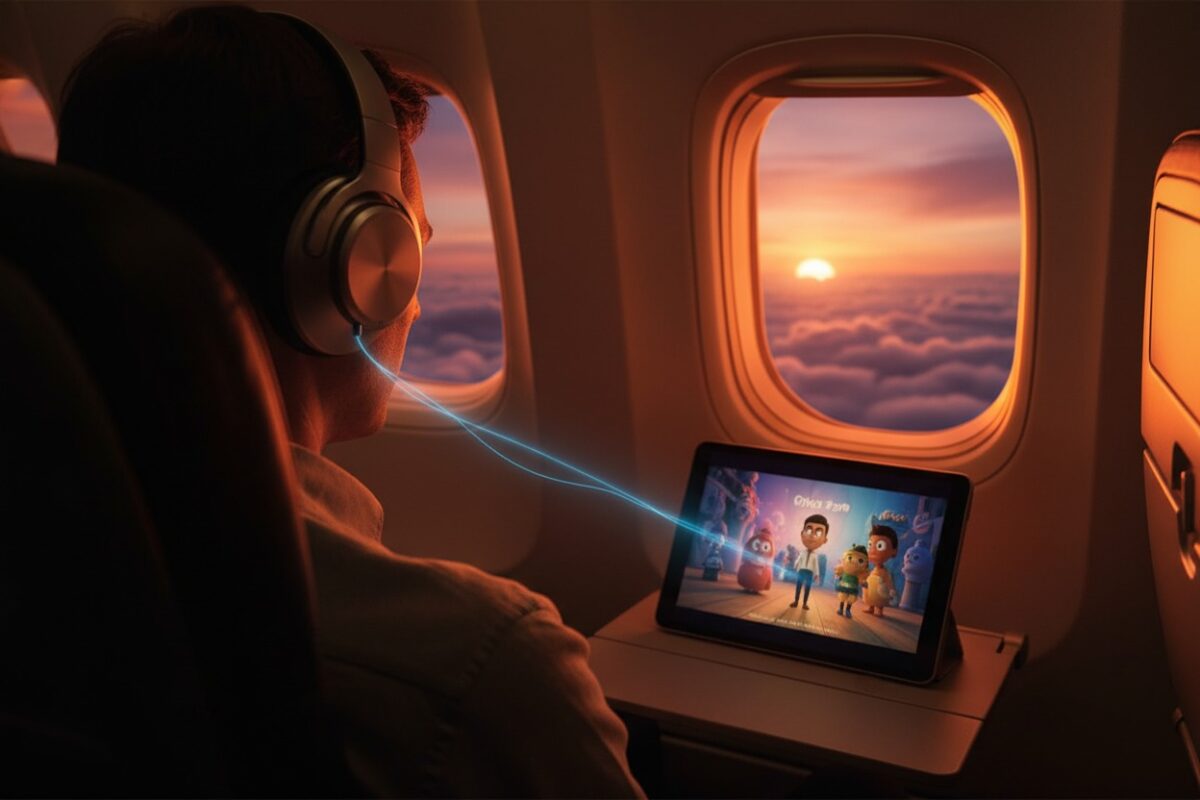
- Scenario 1: Offline Media Consumption (Primary Use Case): A passenger uses Apple AirPods Pro with an iPhone to watch downloaded Netflix shows or listen to a Spotify playlist stored offline. Airplane Mode with Bluetooth enabled is the ideal, battery-efficient setup for this.
- Scenario 2: Productivity and Work: Connecting a Microsoft Surface laptop to a Logitech Bluetooth mouse or using an iPad Pro with a Magic Keyboard to draft documents. This maintains productivity without emitting cellular signals.
- Scenario 3: Health & Wearable Connectivity: Keeping a Garmin Fenix smartwatch or Apple Watch paired to a phone to track heart rate, sleep, or activity during a long flight. Notifications will not come through (without Wi-Fi), but sensor data can be logged and synced later.
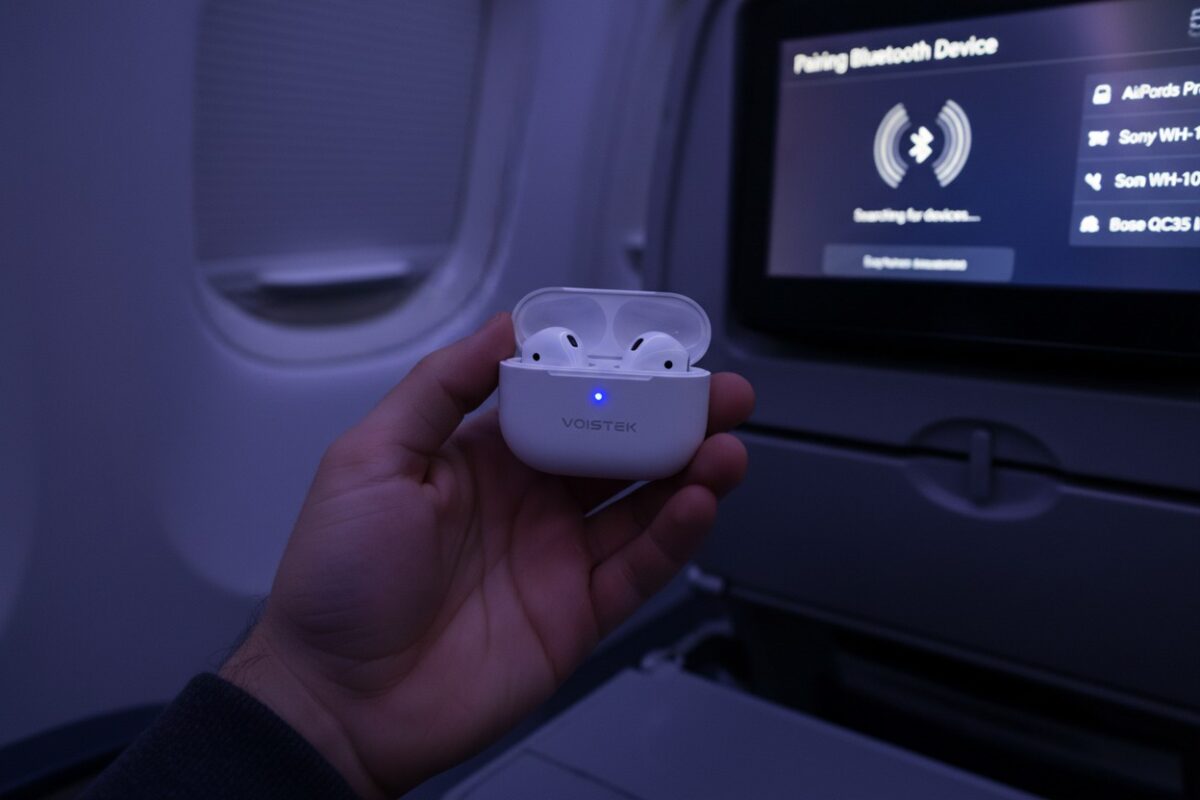
- Scenario 4: Connecting to In-Flight Systems: Pairing personal headphones directly to the seatback IFE system on a JetBlue or Southwest flight, eliminating the need for cheap, wired airline headphones or dongles.
- Scenario 5: File Sharing Between Devices: Using Bluetooth to transfer a photo from a phone to a laptop. This addresses the niche aspect of “can you use bluetooth on a plane without wifi?” for direct device-to-device communication.
Technical Nuances, Limitations, and Considerations
While the hybrid mode is powerful, understanding its limitations ensures a smooth experience.
- Interdependence with Wi-Fi: Some ecosystems rely on both Bluetooth and Wi-Fi for seamless functionality. For example, Apple’s Handoff feature or the automatic switching of AirPods between a MacBook and an iPhone may require Wi-Fi to be manually re-enabled alongside Bluetooth in Airplane Mode.
- Bluetooth-Only vs. Bluetooth+Wi-Fi Devices: Most headphones are Bluetooth-only. However, devices like the Apple Watch (for certain syncing) or some smart home gadgets may require a Wi-Fi data connection for full functionality, which is unavailable in flight without purchasing in-flight Wi-Fi.
- Battery Life Implications: Bluetooth Low Energy (BLE) is highly efficient. However, any active radio consumes more power than a disabled one. The battery savings of “true” Airplane Mode (all radios off) are marginally reduced when Bluetooth is on, but the impact is minimal compared to cellular or Wi-Fi usage.
- The Non-Negotiable: Cellular Must Stay Off: The core aviation safety mandate is the disabling of cellular transmission. As long as the baseband processor (the cellular chip) is not transmitting, you are compliant. Bluetooth operation does not reactivate it.
Comprehensive FAQ: Targeting “People Also Ask” and Featured Snippets
Does turning Bluetooth back on in Airplane Mode turn cellular service back on?
Can flight attendants or pilots detect my Bluetooth usage?
Why is Bluetooth considered safe but cellular is not on a plane?
My Android phone won’t let me turn Bluetooth on in Airplane Mode. What should I do?
• Restart your device.
• Check for manufacturer power-saving or custom “Flight Mode” settings overriding standard behavior.
• On older or heavily customized devices, disable Airplane Mode, enable Bluetooth, then re-enable Airplane Mode to force the setting to “stick.”
Do the same rules apply to laptops, tablets, and smartwatches?
Is using Bluetooth in Airplane Mode allowed during takeoff and landing?
Advanced Insights: E-A-T and Topical Authority
- Historical Context: The FAA’s 2013 decision to liberalize PED use was based on extensive studies and recommendations from a government-industry group, including aviation experts and technology manufacturers. This shift acknowledged that modern devices pose minimal risk.
- Physics of Interference: The concern is electromagnetic interference (EMI). Aircraft systems are heavily shielded, and modern PEDs are rigorously tested for emissions. Bluetooth’s low power output places it far below any concerning threshold.
- Future-Proofing with New Tech: The advent of AirFly and similar Bluetooth transmitters—which plug into wired airplane jacks—further illustrates the market’s validation of in-flight Bluetooth safety. These are FAA-approved for use.
A Deliberate Feature for Modern Connectivity
The ability to use Bluetooth in Airplane Mode is not a loophole or a glitch. It is a deliberate, engineered feature developed by technology companies in direct response to evolving aviation regulations and clear user demand. It represents a sophisticated balance between two critical 21st-century requirements: unwavering compliance with aviation safety protocols and the practical utility of a personal wireless ecosystem.
Final Actionable Takeaways:
- You can confidently use Bluetooth headphones and accessories in flight by activating Airplane Mode and then manually re-enabling Bluetooth.
- Always prioritize crew instructions over general knowledge, as specific situations may vary.
- Prepare offline content on your device before boarding to maximize the utility of this feature.
- Verify your airline’s policy for the most current guidance, especially regarding takeoff and landing.
By understanding the symbiotic relationship between Airplane Mode and Bluetooth, you unlock a more convenient and compliant travel experience, seamlessly connecting your digital world even at 30,000 feet.
✈️ Now That You Know Bluetooth Works In-Flight, Upgrade Your Travel Audio Experience
You’ve just learned how to use Bluetooth on planes. Now ensure every flight is comfortable with Voistek’s travel-optimized wireless headphones.
Voistek SkyComfort Pro: Engineered for Travelers
✓ 50+ hour battery life – Survive the longest international flights without charging
✓ Active Noise Cancellation – Block out engine roar and crying babies
✓ Airplane Mode ready – Seamless Bluetooth reconnection after takeoff
✓ Compact folding design – Premium hard case fits in carry-on
✓ Dual connectivity – Bluetooth 5.3 + included 3.5mm cable for older IFE systems
✓ Fast Pair technology – Instant connection across all devices (iOS, Android, Windows)
Perfect for: Frequent flyers • Business travelers • Digital nomads • Long-haul comfort
Why 25,000+ travelers choose Voistek:
- No more dead batteries mid-flight
- Universal compatibility with airline entertainment systems
- Comfortable for 10+ hour flights
- TSA-friendly carrying case included
“I fly 100K+ miles annually. Voistek outlasts my old Bose on battery, connects instantly in Airplane Mode, and costs half as much. Essential travel gear.” – Sarah M., Business Consultant