
For phone-first calls, the Poly Voyager 5200 is a practical single-ear option to compare because it is designed around mobile calling and wind-noise reduction. If you take calls on both a phone and laptop, the Jabra Evolve2 65 Flex offers a boom microphone, hybrid active noise cancellation (ANC), and two simultaneous Bluetooth connections. The right choice changes if you need open ears, work around vehicle noise, or mainly want affordable headphones for occasional calls.
Best Bluetooth headsets for phone calls: quick picks
- Phone-first and on the move — Poly Voyager 5200: compact mono wearing style, four-microphone noise reduction, and WindSmart technology. Its published talk-time limit is up to seven hours, so frequent callers should plan around charging.
- Office calls across a phone and laptop — Jabra Evolve2 65 Flex: on-ear design with a foldable headband, boom mic, hybrid ANC, and two concurrent Bluetooth connections. It takes up more room than an earpiece.
- Open-ear comfort and awareness — Shokz OpenComm2 (2025 Upgrade): bone-conduction design, adjustable boom microphone, and up to 16 hours of listed talk time. It does not seal out your surroundings.
- Loud vehicle and mobile work — BlueParrott B450-XT: single-ear headband built for noisy professional settings, with up to 24 hours of manufacturer-listed talk time. It is bulkier than a small earpiece.
- Everyday music and occasional calls — Voistek TH20S: Bluetooth 5.3 over-ear headphones with a built-in microphone and soft ear cushions. They are not a verified substitute for a dedicated noise-reducing boom-mic headset.
These are use-case recommendations, not a laboratory-tested ranking. Manufacturer specifications establish features and stated limits; they do not establish which microphone will sound best in your room, car, or calling app.
What matters more than a headset’s Bluetooth version?
Microphone noise reduction versus ANC
For phone calls, start with what the other person hears. A microphone’s placement and noise processing affect how much speech and background sound reach the caller. ANC mainly reduces noise heard by the person wearing the headphones. An ANC label alone does not establish clear outgoing microphone audio. A boom microphone can help position the pickup closer to your mouth, but actual performance varies by design and environment.
Single ear, two ears, or open ear?
A mono earpiece leaves one ear uncovered and packs easily. A dual-ear headset gives you a more enclosed listening experience but may feel isolating when you need to hear people nearby. Open-ear bone-conduction headsets avoid covering the ears; their advantage is awareness, not passive isolation. Comfort is personal, so check return terms if you cannot try the fit first.
Phone pairing is not the same as laptop call control
Most of these choices can connect to compatible smartphones over Bluetooth. Computer calling adds another layer: the operating system, conferencing app, headset profile, and optional USB adapter can affect microphone selection and call buttons. Multipoint means connections to more than one device; it does not mean audio from two calls plays simultaneously. Check the exact SKU and adapter package before relying on platform-specific controls.
Use talk time, not just music playback time
Music playback and active calls can have different battery limits. Compare the published talk-time figure under comparable ANC and indicator settings, then allow for your own usage. Charging cases, stands, and USB adapters also vary by bundle. A high playback-hour claim alone is not enough for an all-day calling recommendation.
Five options and their tradeoffs
1. Poly Voyager 5200 — for mobile calling and travel
The Voyager 5200 is a mono Bluetooth earpiece with a four-microphone system and WindSmart wind-noise technology. HP lists up to seven hours of talk time for the headset; its smaller form is useful when you carry it between calls. This is the phone-first choice to investigate if you care more about portability and outdoor voice pickup than listening to stereo music. See HP’s Voyager 5200 feature overview and verify whether the selected package includes a PC adapter or charging case.
Tradeoff: an earpiece is a different fit from an office headband, and seven hours of listed talk time may not cover a long day of back-to-back calls without recharging.
2. Jabra Evolve2 65 Flex — for phone-and-laptop work
The Evolve2 65 Flex has a foldable on-ear design, retractable boom microphone, Jabra ClearVoice processing, and hybrid ANC. Jabra lists two simultaneous Bluetooth connections. For its published battery conditions, talk time is up to 20 hours with ANC and busylight off, or up to 15 hours with ANC on and busylight on. That distinction matters more than an unqualified battery number. Review the official Jabra specifications and bundle details for the version you plan to buy.
Tradeoff: it is more substantial than a small mobile earpiece, and some collaboration controls or certifications depend on the exact variant and setup.
3. Shokz OpenComm2 (2025 Upgrade) — for open ears
The OpenComm2 uses an open-ear bone-conduction design with a DSP noise-reducing boom microphone. Shokz lists up to 16 hours of talk time for the 2025 Upgrade model. It is worth comparing when you want your ears uncovered through long workdays or while moving around a shared space. The official OpenComm2 2025 Upgrade listing identifies the mobile-oriented model; check the UC/USB-adapter option separately when desktop calling is central to your workflow.
Tradeoff: open ears also mean more surrounding sound reaches you. This is not a substitute for the listening isolation of sealed earcups in a loud workplace.
4. BlueParrott B450-XT — for loud work environments
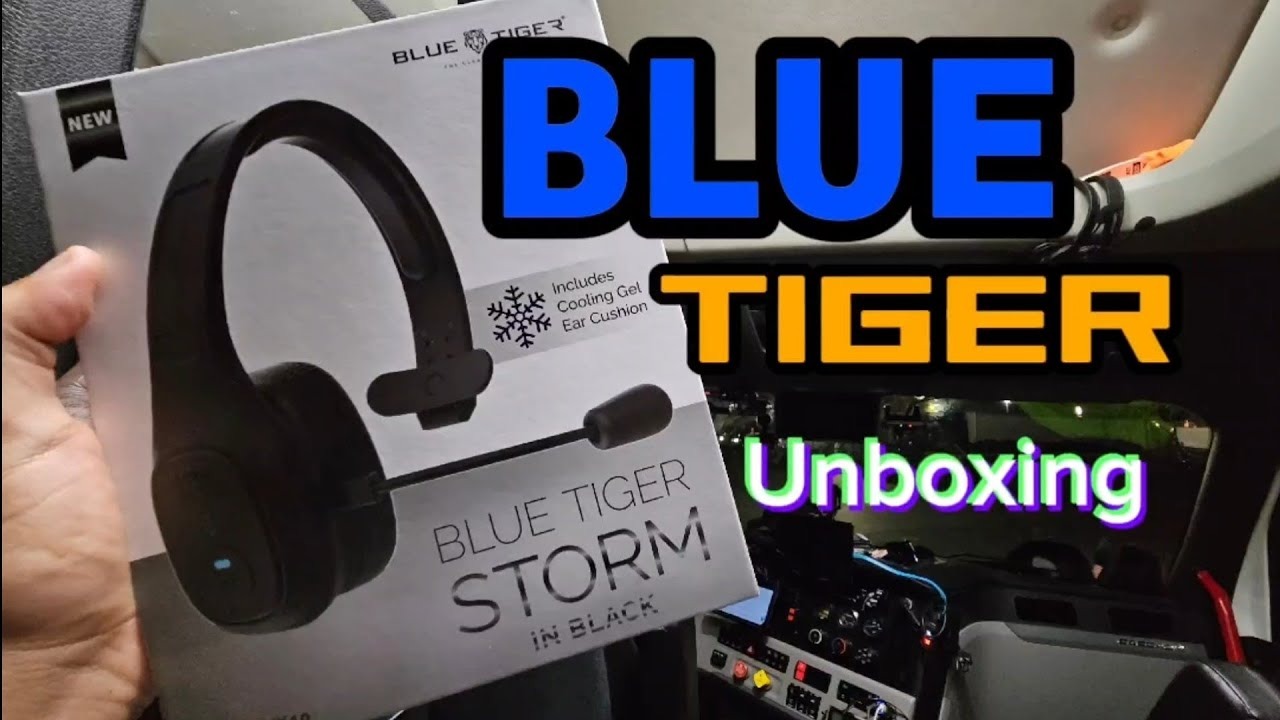
The B450-XT is a mono headband headset aimed at driving, transportation, and other mobile professional work. BlueParrott states up to 24 hours of talk time and claims its microphone noise-cancellation system blocks 96% of background noise. That percentage is a manufacturer claim, not a cross-brand measurement under identical test conditions. See BlueParrott’s B450-XT announcement and stated capabilities.
Tradeoff: its larger over-head design favors extended call use more than pocketability. Buyers should verify the current model revision, availability, and local rules for wearing headsets while driving.
5. Voistek TH20S — for affordable all-purpose listening
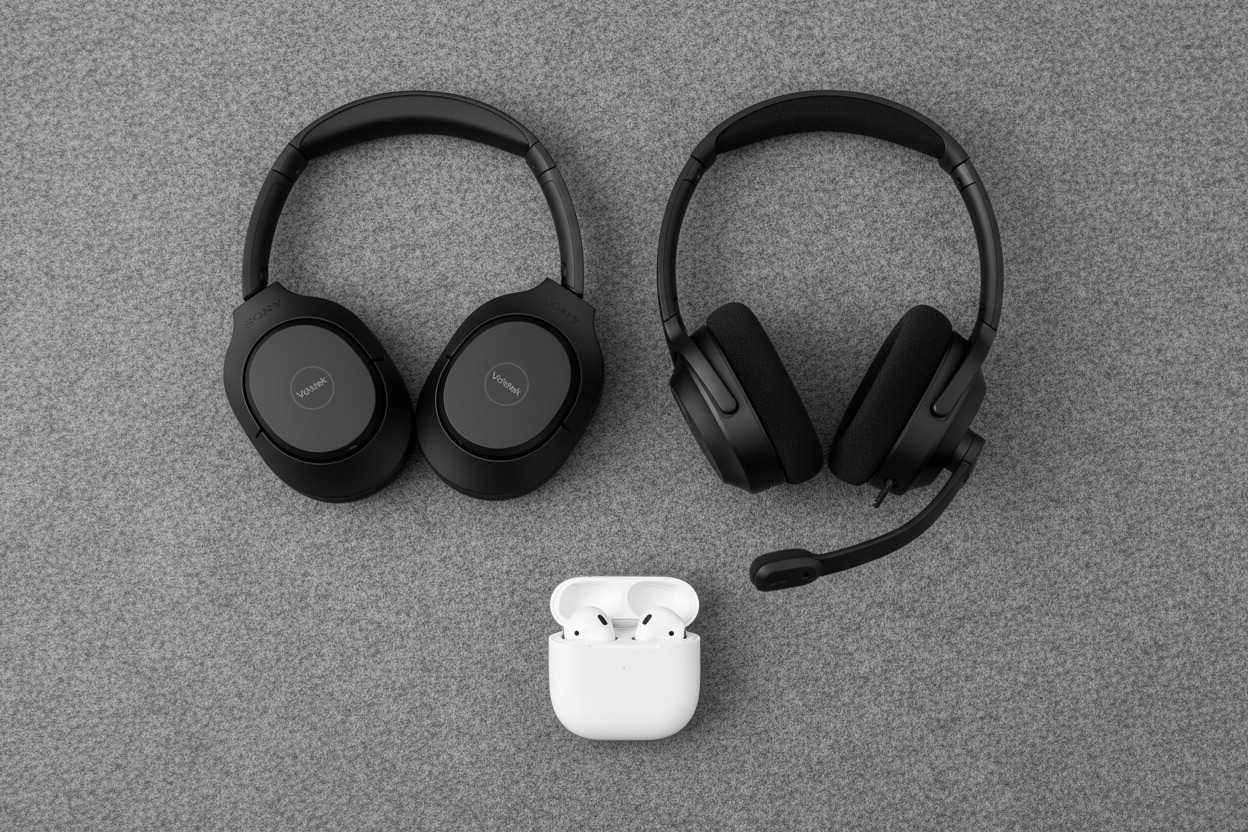
The Voistek TH20S is a Bluetooth 5.3 over-ear headphone with an integrated microphone, adjustable headband, and soft ear cushions. It makes more sense for someone who listens to music and takes occasional calls than for a caller who specifically needs a verified, high-performance microphone in heavy background noise. You can review the Voistek TH20S Black product details or the red color option. The product’s published battery figures are not fully consistent across its marketing copy and specification table, so do not treat a single runtime number as confirmed.

Tradeoff: the product lists noise-related microphone features, but no comparable independent call-microphone test was available for this selection. Do not assume it matches dedicated business models in noisy conditions.
Which headset should you choose?
- Mostly mobile calls, often outdoors: start with the Poly Voyager 5200 and confirm that its fit and talk time work for you.
- Phone calls plus Zoom or Teams on a computer: compare the Jabra Evolve2 65 Flex and verify the correct adapter and software variant.
- You want to keep your ears open: look at the Shokz OpenComm2, accepting that you will hear more of the room.
- Truck cab or noisy mobile workplace: consider the BlueParrott B450-XT and assess both headset comfort and legal requirements for your situation.
- Mostly entertainment, with calls now and then: the Voistek TH20S can be a relevant budget comparison, provided its microphone limitations meet your needs.
Check call quality before committing
- Record one call in a quiet room and another with normal background noise. Ask the other person whether consonants remain understandable and whether your voice sounds processed or muffled.
- Repeat on the exact phone and app you use. A good recording in one app does not establish identical behavior in cellular calls, Zoom, WhatsApp, or Teams.
- Test mute, answering, switching devices, and reconnection. Note any need to select the microphone manually when moving between the phone and computer.
- Wear it for a realistic call session. Notice pressure points, stability, and whether you need one ear free. Record talk-time usage rather than relying on music-playback figures.
Frequently asked questions
Is a Bluetooth headset with ANC better for phone calls?
Not automatically. ANC primarily changes how much ambient noise the wearer hears. A good microphone and microphone noise processing matter more to the person on the other end of the call. Evaluate those functions separately.
Can a Bluetooth headset connect to my phone and laptop at the same time?
Some models support multipoint, but the number of connected devices and the way calls switch vary. Check the headset’s specifications, adapter requirements, and calling-app controls rather than assuming any Bluetooth headset supports simultaneous connections.
Are single-ear headsets better for phone conversations?
They are useful when you want one ear open and a small device for mobile calling. Dual-ear models may be more comfortable for people who prefer both ears covered. Neither wearing style guarantees better microphone quality.
Will Bluetooth headphones work with a desk phone?
Not every desk phone accepts a direct Bluetooth audio connection. Some setups need a compatible base or adapter, and call controls may differ. Check the phone model and headset documentation before choosing a bundle.
Related guides
- Headphones for remote work: microphones and noise control — for a broader home-office comparison.
- Choosing a Bluetooth headset for long-haul trucking — for vehicle-specific wearing and communication considerations.